Menu Design in Mirpur AJK: Make Ordering Easier
A practical framework for organising dishes, prices, add-ons, photography, and delivery formats so customers can order with less friction.
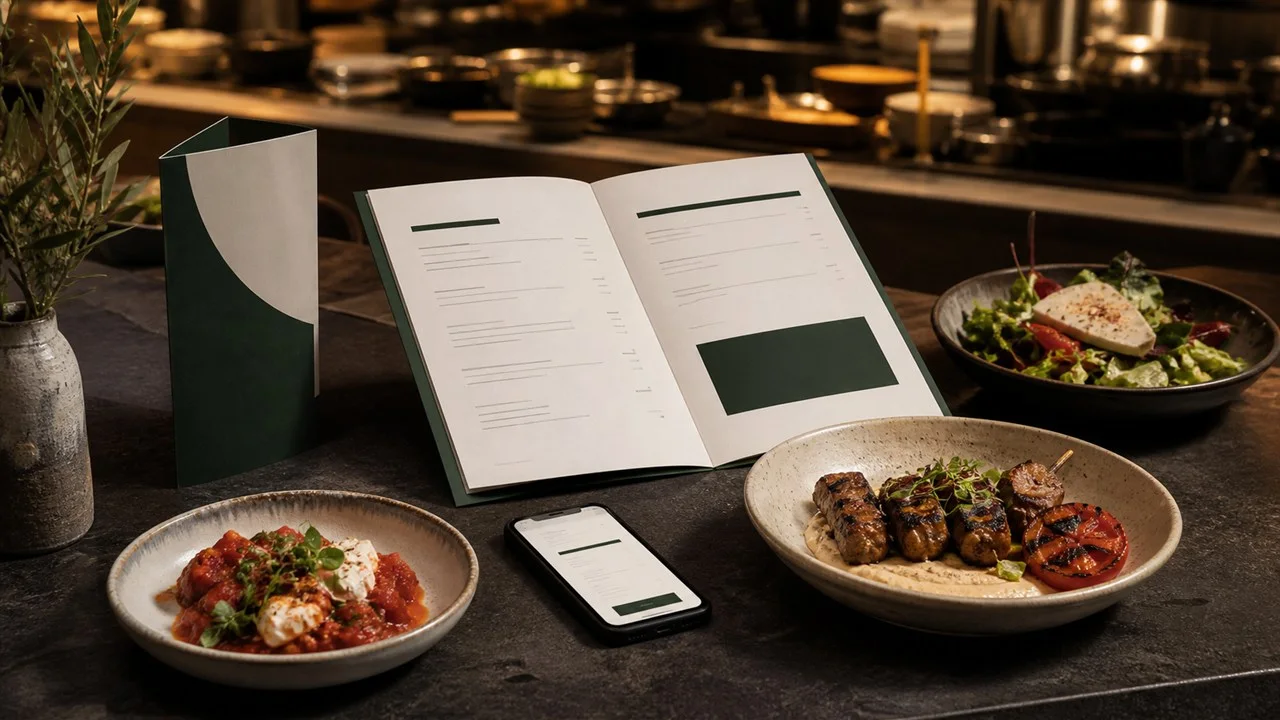
A restaurant menu is a sales interface. It should help diners find the right category, understand the dish, compare options, and order with confidence. Good menu design in Mirpur AJK begins with information structure and operational accuracy before styling.
Organise the menu around customer decisions
Use familiar category names and a predictable reading order. Keep dish names, descriptions, portion information, prices, and dietary notes consistent. Large menus benefit from subcategories and restrained visual markers, while a short cafe menu can use more open space.
Popular combinations, meal deals, add-ons, and sizes should be easy to compare without creating a wall of badges. The aim is to reduce questions at the counter and help staff take orders accurately, not to force every item into a highlighted box.
Use food photography selectively
A few strong, truthful photographs can establish appetite and quality. Prioritise signature dishes and items customers may not understand from the name. Keep lighting, plates, backgrounds, and colour treatment consistent so the menu feels like one restaurant.
Avoid using images that misrepresent portion size or ingredients. Photos also need enough resolution for the final print dimensions. Digital screens and delivery posts can reuse the same shoot with crops prepared for their placements.
Plan print, QR, screen, and delivery versions
A table menu, wall board, takeaway leaflet, QR menu, WhatsApp PDF, and delivery listing each need a different treatment. Tiny text that works on a printed sheet may be difficult on a phone. A wall board must be readable from the queue and should show fewer choices at once.
Keep prices in editable source files and record the last update date. Restaurants that change prices often can use a maintainable digital menu while retaining a concise printed version for stable items.
Check the menu before launch
Ask kitchen and front-of-house staff to review names, availability, ingredients, sizes, add-ons, taxes, and ordering sequence. Test the QR code on multiple phones and confirm that digital files load quickly on mobile data.
TrendOne Media can combine menu structure, visual design, original food imagery, print exports, and campaign adaptations for restaurants and cafes in Mirpur.
Frequently asked questions
Can menu prices be updated later?
Yes, when editable source files are retained. Agree how future price and item updates will be handled before the first menu is delivered.
Should every dish have a photo?
Usually not. A smaller set of consistent, high-quality photos creates appetite without making the menu crowded or expensive to maintain.
Can you create both printed and QR menus?
Yes. The same approved content can be adapted into print, phone-friendly PDF or web formats, wall displays, and social campaign assets.